

LLM Providers when you want the org to manage the credential, model list, and access rules once, then let each desktop workspace import the providers from cloud.
Create the provider in OpenWork Cloud
- Open
LLM Providers. - Click
Add Provider. - Stay on
Catalog provider. - Choose the provider in
Provider. - Select the models the org should expose.
- Paste the shared
API key / credential. - Choose
People accessand/orTeam access. - Click
Create Provider.
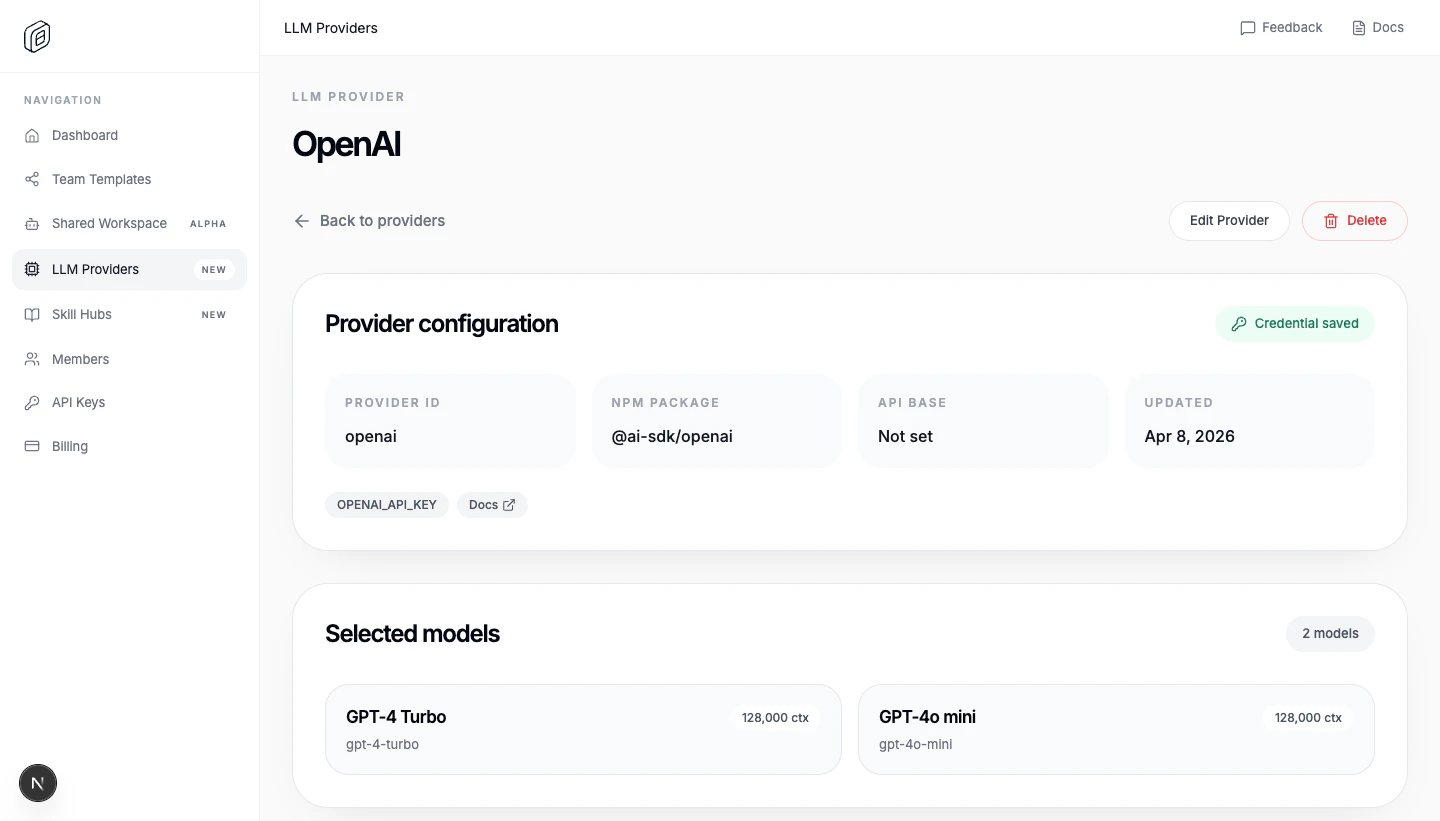
Import it into the desktop app
- Open
Settings -> Cloud. - Choose the correct
Active org. - Under
Cloud providers, clickImport. - Reload the workspace when OpenWork asks.
opencode.jsonc and stores the org credential for that workspace.
Update or remove it later
- Use
Syncafter changing models or access in OpenWork Cloud. - Use
Removeto stop managing the imported provider from this workspace. - If the provider was deleted in Cloud, the desktop app shows
Removed from cloudand lets youUninstallthe local config. - The provider must have a stored org credential before the desktop app can import it.